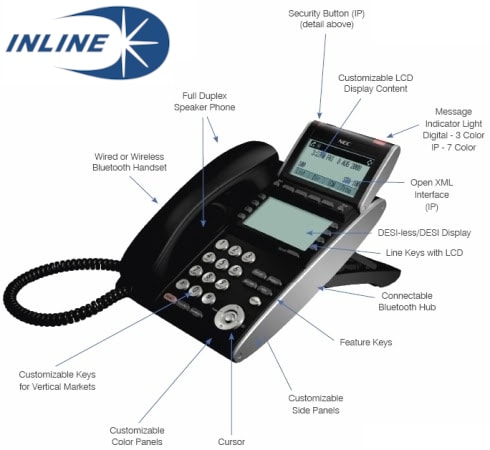
NEC SV8100: How to Program and Use the Station Speed Dial Feature
Did you know that your NEC SV8100 phone has built-in memory that can store up to 10 outside telephone numbers as speed dials on your phone set? These speed dials are exclusive to your own phone and are inaccessible to other extension users at your workplace.
You don't need any special passwords or system administrator assistance to use this feature.
NEC SV8100 Station Directory Speed Dial
On the LCD display terminal
- Using the soft-keys located below the display screen, select the down-arrow, then Prog, then STA.
- Using the dial pad, enter a 1-digit number (from 0 to 9) to uniquely identify your speed dial entry.
- Enter the telephone number you wish to store, exactly as you would normally dial it.
- Press the Hold button to save the telephone number.
- Using the dial pad, spell out the name of your speed dial entry. Tip: use the # key to advance a space, and the Feature key to backspace.
- Press the Hold button to save the name, then press the Speaker button to exit.
To quickly dial a station directory number
Pick up your handset, or press the Speaker button for hands-free operation. Press the # key on your dial pad, then dial 7 plus the speed dial ID.
If you have questions or need assistance, call us at (905) 564-3200.
